





Szanowni Państwo,
w imieniu Stowarzyszenia Klub Miłośników Dawnych Militariów Polskich oraz we współpracy z Buttonarium Polska, chcielibyśmy serdecznie zaprosić na pierwszą w Polsce konferencję w całości poświęconą guzikom mundurowym.
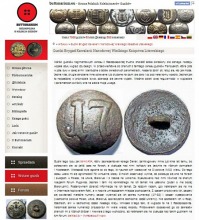
Jeśli posiadasz ciekawe informacje lub interesujące spostrzeżenia dotyczące guzików i chciałbyś podzielić się nimi z innymi, to napisz artykuł (notatkę) i prześlij to do Buttonarium. Tekst najlepiej przygotować w programie Word, ale równie dobrze może to być zwykły notatnik lub można go napisać bezpośrednio w mailu. Do tekstu można dołączyć własne rysunki, zdjęcia, a nawet filmy. Otrzymane materiały, zostaną opracowane i umieszczone na stronie Buttonarium.
Zachęcam do współpracy.
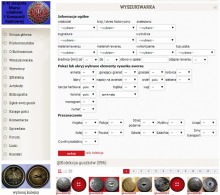
Zaawansowana Wyszukiwarka Guzików Buttonarium daje następujące możliwości:
1. identyfikacja posiadanych guzików,
2. analizy porównawcze konkretnych rodzajów guzików,
3. gromadzenie (selekcjonowanie) materiałów do innych analiz.
Kryteria wyszukiwania można dowolnie modyfikować, za każdym razem sprawdzając jak to wpływa na wyniki.
Poszukuję: ● dziewiętnastowiecznych orłów na czapki, ● emblematów na ładownice oraz następujących guzików: ● z napisem MAZURY 2, ● z Przepisu Ubiorów 1810 r. Xięstwa Warszawskiego, ● z Powstania Listopadowego, ● z herbem Powstania Listopadowego, ● z serii bitew Powstania Listopadowego np. WZIĘCIE WOLI, ● z napisami YABLONNA lub NADZIEYA, ● cynowych z sygnaturami wytwórców lub jednostek wojska XIX w., ● polskich guzików z alpaki lub srebra.
Kupno lub wymiana e-mail: guziki1831@gmail.com
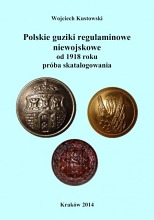
W katalogu przedstawiono historię, ikonografię, cytaty obowiązujących ówczesnie przepisów i regulaminów oraz inne ciekawostki dotyczące kilkudziesięciu służb i formacji mundurowych, organizacji społecznych, szkół, urzędów, instytucji, przedsiębiorstw, magistratów itp., które wykorzystywały własne wzory guzików. W tym wydaniu, po raz pierwszy w literaturze dotyczącej filobutonistyki, autor podjął próbę określenia stopnia rzadkości guzików. W tym celu posłużył się sześciostopniową, umownie przyjętą, skalą opisującą popularność występowania guzików prezentowanych w Katalogu.
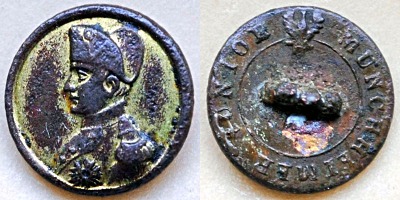
btrm008230
Polski guzik patriotyczny z okresu Królestwa Polsk...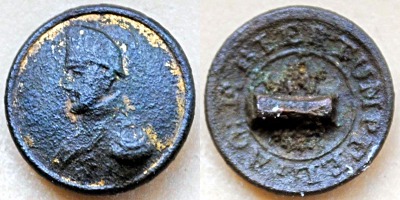
btrm008229
Polski guzik patriotyczny z okresu Królestwa Polsk...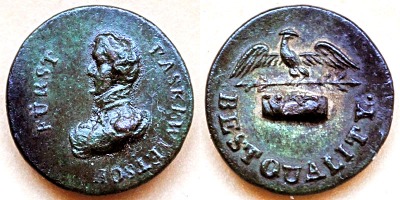
btrm008228
Niezidentyfikowany guzik patriotyczny (niemiecki l...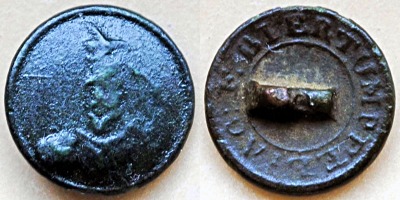
btrm008227
Polski guzik patriotyczny z okresu Królestwa Polsk...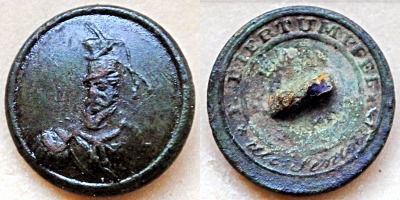
btrm008226
Polski guzik patriotyczny z okresu Królestwa Polsk...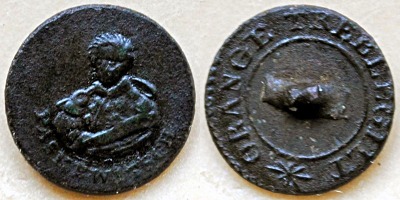
btrm008225
Rosyjski guzik patriotyczny© buttonarium.eu Awers...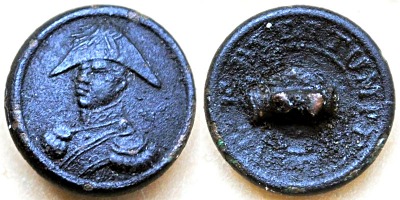
btrm008224
Polski guzik patriotyczny© buttonarium.eu Awers p...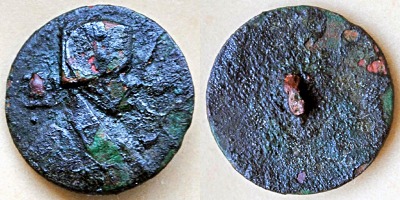
btrm008223
Niezidentyfikowany guzik patriotyczny (?)© buttona...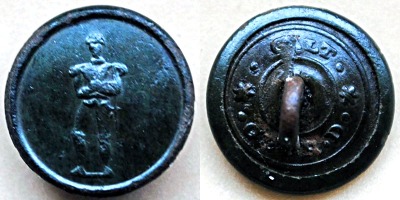
btrm008222
Niezidentyfikowany guzik patriotyczny (?)© buttona...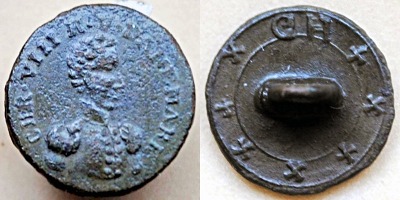
btrm008221
Niezidentyfikowany guzik patriotyczny (?)© buttona...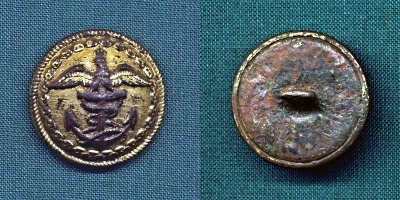
btrm002718
Awers przedstawia kotwicę admiralicji z linką oraz...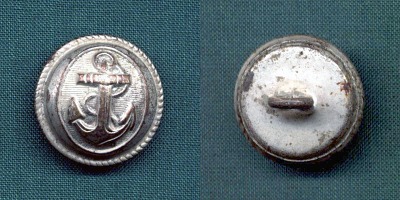
btrm002085
Francuski guzik wojskowy © buttonarium.eu Awers p...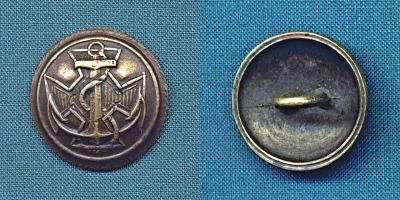
btrm002099
Polski guzik wojskowy (marynarski) wzór 1920, wers...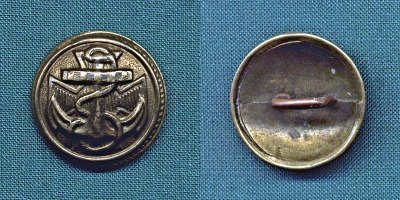
btrm002100
Polski guzik wojskowy (marynarski) wzór 1920, wers...
btrm002701
Polski guzik wojskowy (marynarski) wzór 1920, wers...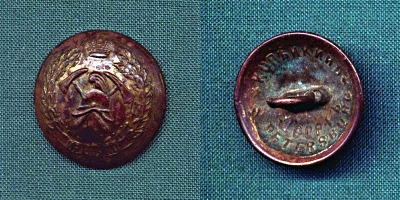
btrm002731
Rosyjski guzik Straży Pożarnej © buttonarium.eu A...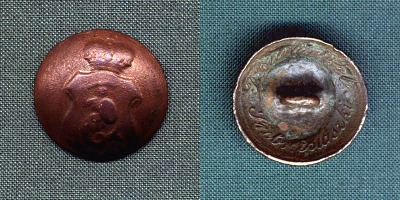
btrm001152
Polski guzik urzędniczy z okresu Królestwa Polskie...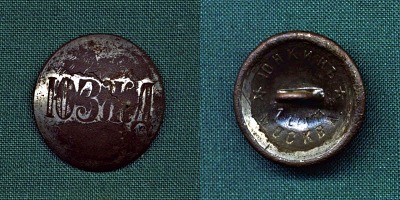
btrm002031
Rosyjski guzik kolejowy © buttonarium.eu Awers pr...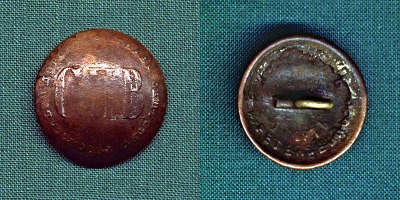
btrm002070
Rosyjski guzik kolejowy © buttonarium.eu Awers pr...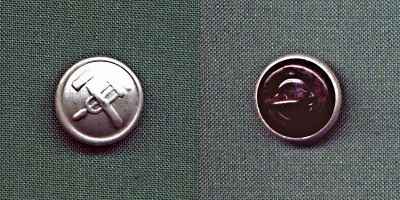
btrm002739
Jest to współczesny guzik rosyjskich kolejarzy. Aw...Zespół redakcyjny w składzie:
*) kolejność alfabetyczna
|
|
Dołącz i TY!
As the Assistant Manager at Booker Software, Inc., I want to share my recent...
Szanowni Państwo,
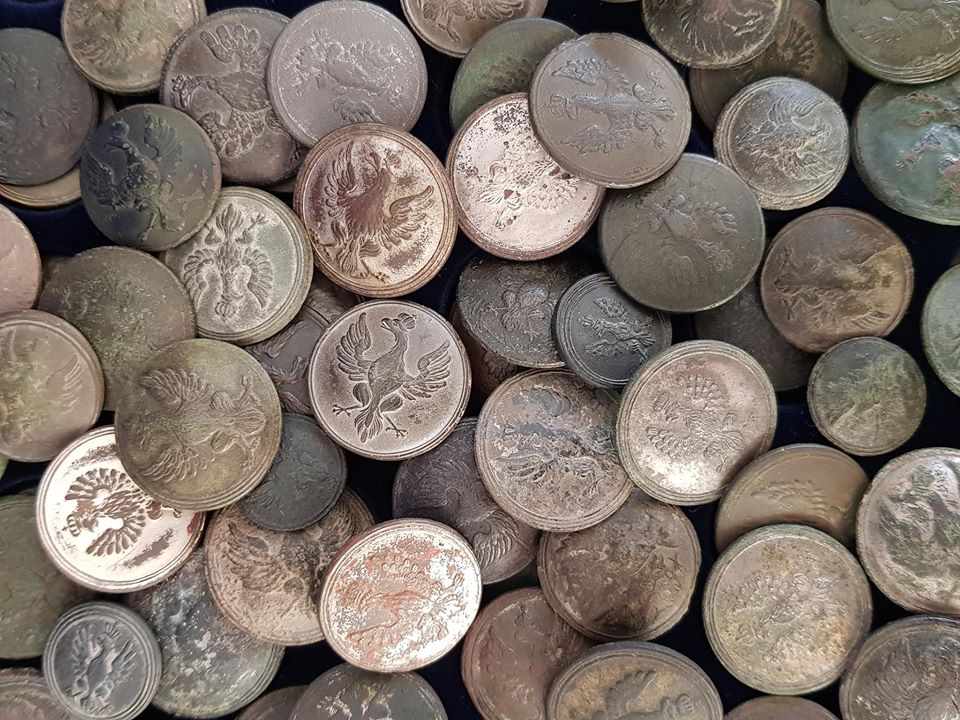
w imieniu Stowarzyszenia Klub Miłośników Dawnych Militariów Polskich oraz we współpracy z Buttonarium Polska, chcielibyśmy serdecznie zaprosić na pierwszą w Polsce konferencję w całości poświęconą guzikom mundurowym.
Powoli układa nam się plan wystąpień i możemy już podać pierwszych prelegentów i tematy które będą poruszane na konferencji.
- Krzysztof Gładki - Guziki administracji więziennej w XIX wieku
- Maciej Winnik - Guziki administracji wojskowej Księstwa Warszawskiego, czyli słynne Sztaby Placów, Inspektorzy Popisów i inne
- Robert Wł. Bauer (rwb) - Sygnatury na guzikach mundurowych.